


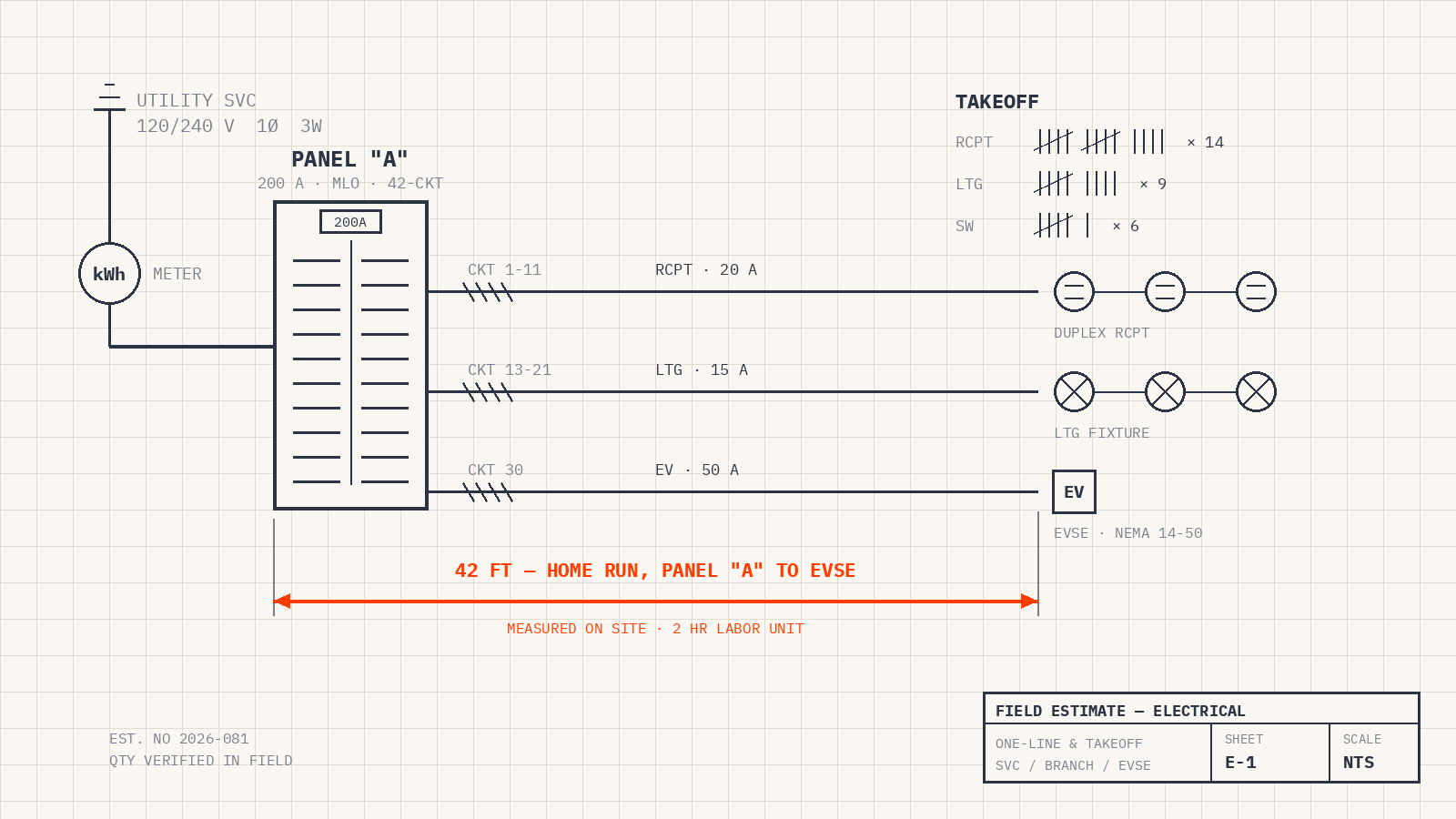
An electrical contractor's estimate carries more risk than almost any other trade's. Material prices move weekly, copper swings with the commodity market, and a panel upgrade quoted wrong by an hour of labor repeats that mistake on every similar job all season. Electrical estimating software exists to take the guesswork out — but the term covers two very different kinds of tools, and buying the wrong kind is the most common mistake shops make. This guide explains the difference, the features that matter, and how to pick the right tool for how your business actually works.
Two Different Tools Share One Name
Search for “electrical estimating software” and you'll find two categories mixed together:
- Construction takeoff and bidding software. Tools like Accubid, ConEst, and McCormick are built for electrical contractors bidding new-construction and plan-and-spec commercial work. You load drawings, count fixtures and devices, measure conduit and wire runs, apply labor units, and produce a competitive bid. If your revenue comes from bid work off blueprints, this is your category.
- Service estimating and quoting software. Built for the other side of the trade: residential and light-commercial service calls, panel upgrades, EV charger installs, lighting retrofits, troubleshooting, and repairs. Here an estimate isn't taken off a drawing — it's built in a customer's garage or over the phone from your labor rates, material pricing, and job history. Speed, professional presentation, and follow-up are what matter. This is the category field service management platforms like Smart Service serve.
A quick self-test: if your estimators work from bid tabs and drawings, you need takeoff software. If your “estimators” are your electricians and office staff quoting service work every day, you need quoting built into the same system that runs your schedule — because a quote that lives in a separate app from your dispatch board is a quote somebody has to retype.
What a Good Estimate Process Looks Like
For a service-and-install electrical business, estimating is a workflow with five steps, and software should handle all of them:
- Build the quote fast, wherever you are. The electrician in the driveway and the office both need a clean, itemized estimate in minutes — real material and labor pricing, not numbers scribbled on a card.
- Quote from the property's real history. A panel-upgrade quote is more accurate (and more persuasive) when the record shows the service size, past work, code issues found on prior visits, and photos. That history is the honest answer to “why does this cost so much?”
- Track the follow-up. Most estimates don't close on the spot. The ones that close later are the ones somebody followed up on. Your software should keep a list of open quotes with an owner and a next step — not sticky notes.
- Convert approval into work without retyping. The moment a customer says yes, the estimate should become a scheduled work order — same line items, same pricing — with one action.
- Collect the deposit and sync the books. Panel changes and EV charger installs mean deposits and permits. The estimate, the deposit, and the final invoice should all land in QuickBooks automatically, with no double entry.
Features That Separate Good From Mediocre
- Connection to scheduling and dispatch. The single biggest differentiator. An estimate that converts directly into a job on your dispatch board eliminates the retyping step where errors and delays live.
- QuickBooks integration. If your books run on QuickBooks, your estimating tool should sync customers, items, and invoices to it natively — so the field and the books stay one record.
- Mobile that electricians will actually use. Quotes get built in garages, attics, and mechanical rooms. If the mobile experience is clumsy, your estimate data dies on a clipboard.
- Options on the quote. Good-better-best closes more work in electrical than almost any trade — the 100-amp repair versus the 200-amp upgrade, the basic retrofit versus the full smart-lighting package. The tool should present options cleanly, not as three separate documents.
- Professional output. The estimate is a sales document. Clean formatting, your logo, clear options, and on-site approval with a signature beat a text message with a number in it.
What Electrical Estimating Software Costs
Construction takeoff suites are licensed per estimator seat and priced accordingly — specialist tools for people who bid all day. Service-side estimating is usually not sold alone: it comes as a capability inside field service management software, priced as a monthly subscription that also covers scheduling, dispatch, work orders, and invoicing. That bundling is the point — the value of a service estimate comes from what happens after approval, and that requires the rest of the system. When comparing costs, compare the whole workflow you're replacing, not just the estimate document.
How Smart Service Handles Electrical Estimating
Smart Service is electrician scheduling software and field service management for electrical contractors and other trades, and estimating is wired into the same system that runs the schedule:
- Estimates from the field or the office. Electricians build quotes on-site from the mobile app; office staff build them from the desk — same catalog, same pricing, same record.
- Quotes informed by property history. Service size, prior work, photos, and equipment records live on the customer record, so an upgrade quote carries its own justification.
- Follow-up tracking. Open estimates stay visible until they're won, lost, or scheduled.
- One-tap conversion. An approved quote becomes a scheduled work order, and deposits on bigger installs are part of the same flow.
- Full QuickBooks sync. The estimate, the work order, and the invoice stay one connected record all the way to the books.
Frequently Asked Questions
Can't I just use QuickBooks to make estimates?
QuickBooks can produce an estimate document, and for a one-truck shop that may be enough for a while. What it can't do is connect that estimate to a dispatch board, a mobile app, property history, or follow-up tracking — which is where estimates turn into booked jobs. Our QuickBooks work orders guide covers the gap in detail.
Do I need takeoff software or quoting software?
Takeoff software if you bid plan-and-spec construction work from drawings. Quoting built into field service software if your estimates are service calls, upgrades, and installs. Larger contractors sometimes run both — they're complementary, not competitors.
What's the fastest way to raise our close rate on estimates?
Speed first, then follow-up. A professional, itemized estimate delivered while the customer is still deciding wins the comparison-shopping jobs, and a system that keeps every open estimate on a list with an owner recovers the rest. If you're building out the rest of your field toolkit too, our best electrician apps roundup and electrician tools list are good companions.
See It on Your Own Numbers
If you want estimating that lives inside your scheduling, dispatch, and QuickBooks workflow instead of beside it, book a free demo of Smart Service and walk through a quote-to-work-order-to-invoice cycle with your own pricing. Details on plans are on our pricing page. Run HVAC or plumbing crews too? The same logic applies — see our companion guides to HVAC estimating software and plumbing estimating software.


