


Every HVAC job starts as a number somebody had to come up with. Quote too high and the customer calls the next shop in the search results. Quote too low and you find out at the end of the month that the big install everyone was proud of actually lost money. HVAC estimating software exists to take that guesswork out — but the term covers two very different kinds of tools, and buying the wrong kind is the most common mistake shops make. This guide explains the difference, the features that actually matter, and how to pick the right tool for how your business really works.
Two Different Tools Share One Name
Search for “HVAC estimating software” and you'll find two categories mixed together:
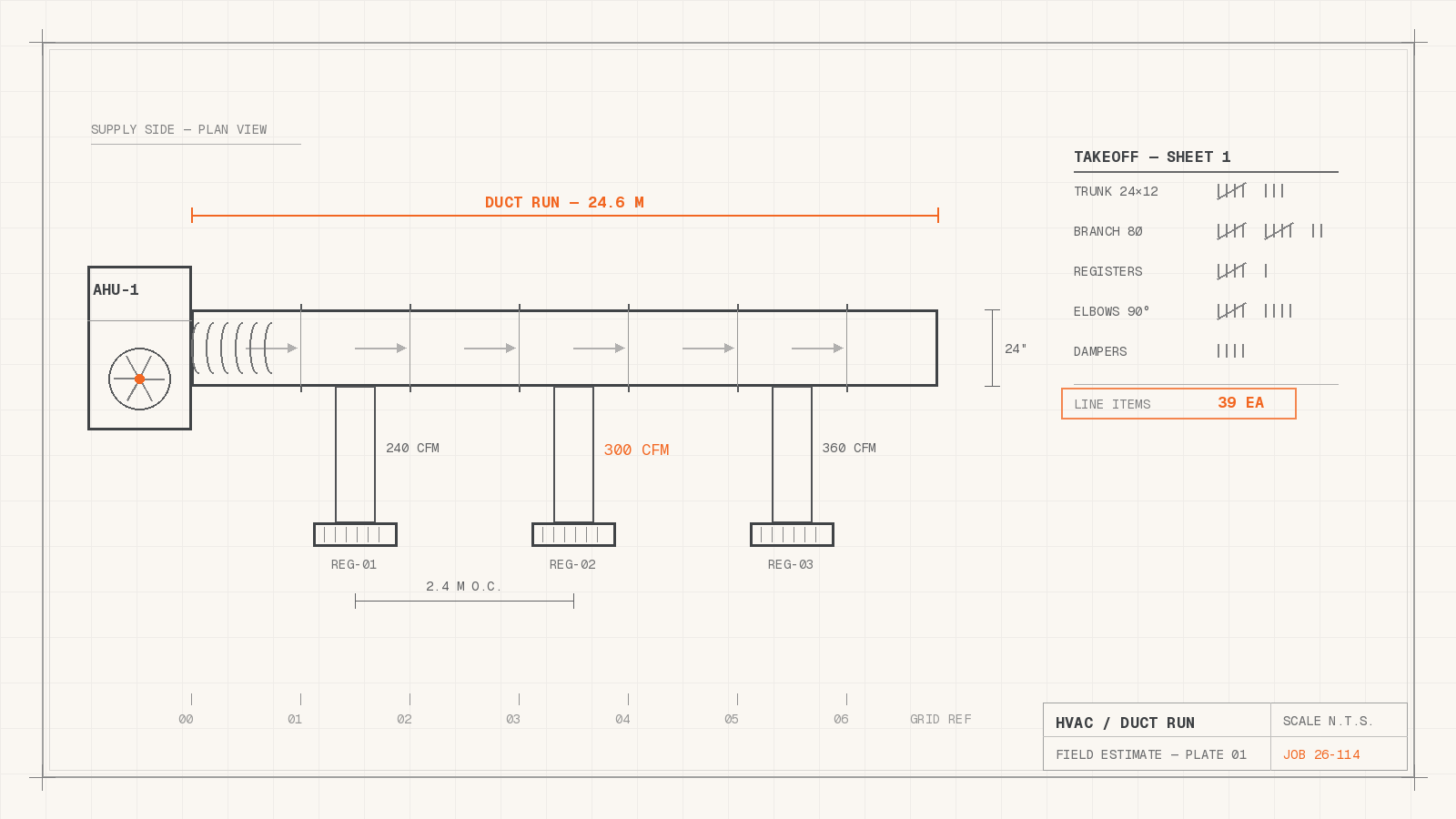
- Construction takeoff and bidding software. Tools like PlanSwift, FastDUCT, and Wendes are built for mechanical contractors bidding new-construction and large commercial work. You load blueprints, “take off” the ductwork and equipment quantities from the drawings, apply labor units, and produce a bid. If your revenue comes from plan-and-spec bid work, this is your category.
- Service estimating and quoting software. Built for the other side of the trade: residential and light-commercial service, repairs, replacements, and maintenance agreements. Here an estimate isn't taken off a blueprint — it's built in a customer's hallway or over the phone, from your parts, labor rates, and equipment options. Speed, accuracy, and follow-up are what matter. This is the category field service management platforms like Smart Service serve.
A quick self-test: if your estimators work from drawings and bid tabs, you need takeoff software. If your “estimators” are your techs and your office staff quoting repairs and replacements every day, you need service quoting built into the system that also runs your schedule — because a quote that lives in a separate app from your dispatch board is a quote somebody has to retype.
What a Good Estimate Process Looks Like
For a service-and-replacement HVAC business, estimating isn't a document — it's a workflow with five steps, and software should handle all of them:
- Build the quote fast, wherever you are. The tech at the kitchen table and the office both need to produce a clean, professional estimate in minutes — pulling real parts, labor, and equipment pricing instead of scribbling numbers on a carbon pad.
- Quote from the equipment's real history. A replacement quote is more accurate (and more persuasive) when the record shows the unit's age, serial number, refrigerant history, and every repair it's already had. That history is the honest answer to “can't you just fix it again?”
- Track the follow-up. Most estimates don't close on the spot. The ones that close later are the ones somebody followed up on. Your software should keep a list of open quotes and who's chasing each one — not leave it to memory and sticky notes.
- Convert approval into work without retyping. The moment a customer says yes, the estimate should become a scheduled work order — same line items, same pricing — with one action, not a re-entry job.
- Collect the deposit and sync the books. Equipment installs mean deposits. The estimate, the deposit, and the final invoice should all land in QuickBooks automatically, so the books match the field without double entry.
Features That Separate Good From Mediocre
When you compare tools, weigh these over everything else:
- Connection to scheduling and dispatch. The single biggest differentiator. An estimate that converts directly into a job on your dispatch board eliminates the retyping step where errors and delays live.
- QuickBooks integration — both versions. If your books run on QuickBooks, your estimating tool should sync customers, items, and invoices to it natively. Check which version: some tools only support QuickBooks Online, which strands the many HVAC shops still running QuickBooks Desktop. (If you're sorting out your accounting setup first, our QuickBooks-for-HVAC guide covers that decision.)
- Mobile that techs will actually use. Quotes get built in driveways and attics. If the mobile experience is clumsy, techs revert to paper and your estimate data dies in a clipboard.
- Flat-rate friendly pricing. If you run flat-rate, the tool needs to present your price book cleanly. Our flat-rate pricing guide and price book roundup cover how to build that side.
- Professional output. The estimate is a sales document. Clean formatting, your logo, clear options, and a way for the customer to approve it beat a text message with a number in it.
What Estimating Software Costs
Construction takeoff suites are typically licensed per estimator seat and priced accordingly — they're specialist tools for people who bid all day. Service-side estimating is usually not sold alone at all: it comes as a capability inside field service management software, priced as a monthly subscription that also covers scheduling, dispatch, work orders, and invoicing. That bundling is the point — the value of a service estimate comes from what happens after approval, and that requires the rest of the system. When comparing costs, compare the whole workflow you're replacing (quoting, scheduling, invoicing, bookkeeping re-entry), not just the estimate document itself.
How Smart Service Handles HVAC Estimating
Smart Service is field service management software for HVAC and other trades, and estimating is wired into the same HVAC scheduling software that runs the dispatch board:
- Estimates from the field or the office. Techs build quotes on-site from the mobile app; office staff build them from the desk — same catalog, same pricing, same record.
- Quotes informed by equipment history. Every unit's serial number, age, prior service, and photos live on the customer record, so a replacement quote carries its own justification.
- Follow-up tracking. Open estimates stay visible until they're won, lost, or scheduled — nothing rides on somebody's memory.
- One-tap conversion. An approved quote becomes a scheduled work order with one tap, and you can collect deposits on equipment installs as part of the same flow.
- Full QuickBooks sync. Smart Service integrates with QuickBooks — QuickBooks Desktop and QuickBooks Online alike — so the estimate, the work order, and the invoice stay one connected record all the way to the books, with no double entry.
Frequently Asked Questions
Can't I just use QuickBooks to make estimates?
QuickBooks can produce an estimate document, and for a very small shop that may be enough. What it can't do is connect that estimate to a dispatch board, a technician's mobile app, equipment history, or automated follow-up — which is where estimates actually turn into booked jobs.
Do I need takeoff software or quoting software?
Takeoff software if you bid new-construction and commercial plan-and-spec work from drawings. Quoting built into field service software if your estimates are service repairs, replacements, and maintenance agreements. Larger mechanical contractors sometimes need both — they're complementary, not competitors.
What's the fastest way to raise our close rate on estimates?
Speed first, then follow-up. Handing the customer a professional, itemized estimate while they're still deciding wins the comparison-shopping jobs — and a system that keeps every open estimate on a list, with an owner and a next step, recovers the rest. Together those two process changes move close rates more than any change to the quote document itself.
See It on Your Own Numbers
If you want estimating that lives inside your scheduling, dispatch, and QuickBooks workflow instead of beside it, book a free demo of Smart Service and walk through a quote-to-work-order-to-invoice cycle with your own pricing. Details on plans are on our pricing page. And if you also run plumbing crews, the same logic applies — see our companion guide to plumbing estimating software.


