

Mission Control — AI Dispatch Board & Scheduling Software in Smart Service Cloud
Mission Control
Most scheduling software shows you a calendar and wishes you luck.
Mission Control reads the board the way your best dispatcher does — spotting the double-book, the 90-minute hole, the tech crossing town twice — and hands you the fix in one click. Nothing moves until you say so.
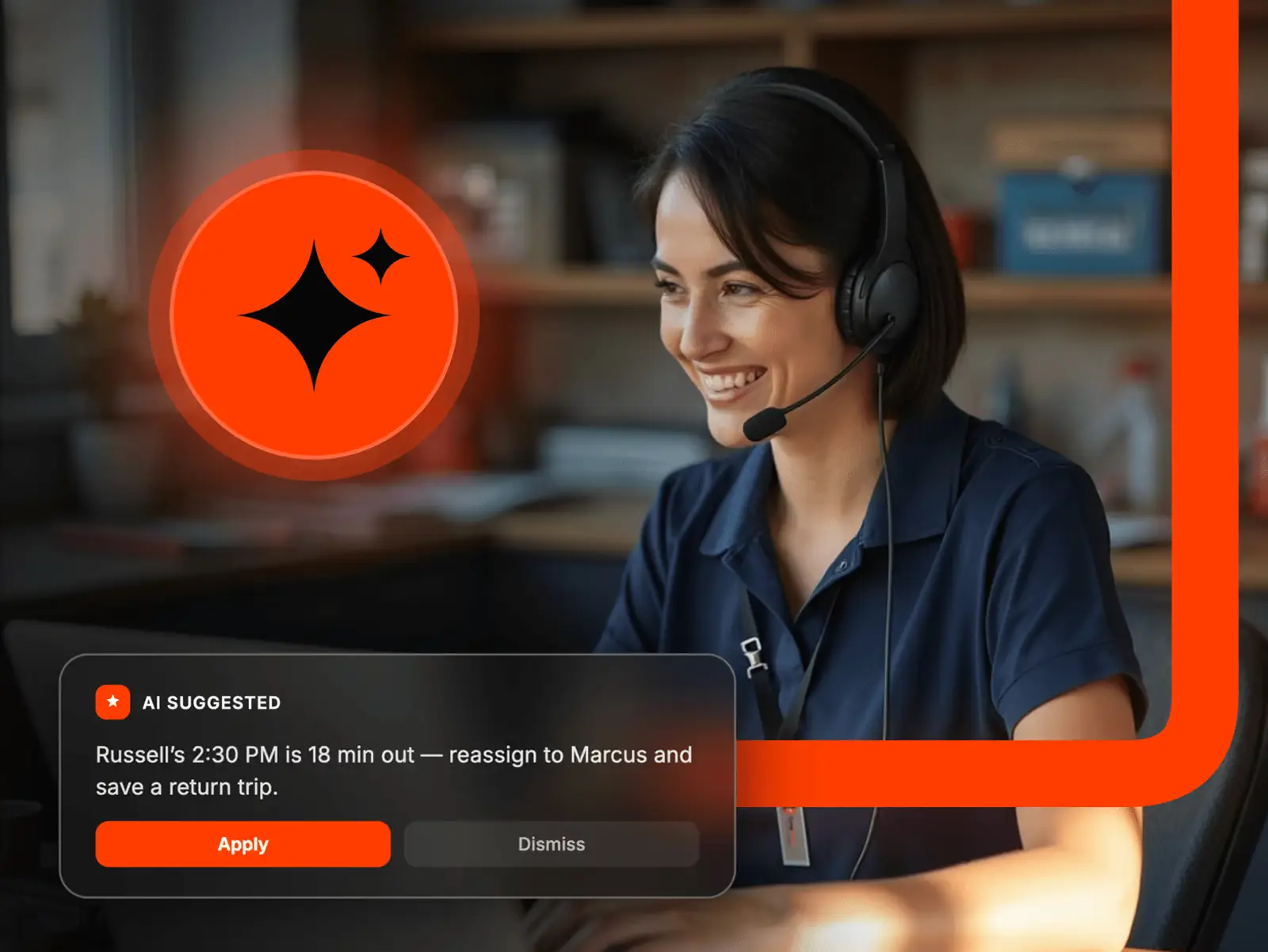
Five assistants. One board.
A second dispatcher who never blinks.
Intelligence scans your live schedule and waiting list nonstop and sorts what it finds by what it'll cost you: Critical (double-bookings, late starts, unassigned jobs due soon), Important (big gaps, overbooked techs, open capacity), and Opportunity (waiting-list jobs that fit a route, revenue gaps, premium slots). Every card explains why, shows you where the fix lands, and books it when you click Schedule.
Sorted Critical → Important → Opportunity, so the expensive problems always come first.
Give every tech their shortest day. One click.
Pick a day, click Optimize, and Mission Control reorders every technician's stops for the least driving — then shows you the drive time, labor dollars, and fuel it just saved before you apply it. Confirmed appointments and customer time windows stay locked. Everything else falls into line.
Savings shown up front — minutes, dollars, miles. Confirmed stops and promised windows never move.
“When can you get someone out?” Answered in seconds.
Type the address, pick the skills the job needs, say when the customer wants it — ASAP, tomorrow, this week — and Night Vision ranks your five best openings, scored on drive time, overtime risk, skill match, and route fit. Pick one and it's booked. Nothing fits today? Night Vision keeps watching and pings you the moment a slot opens.
A scored Top 5, filtered to techs who actually have the skills — and it keeps watching if nothing fits today.
Know which days are sold out — and which ones aren't.
Forecasting learns your last eight weeks — busy Mondays, quiet Fridays, the seasonal swing — and colors every upcoming day by how full it really is. Orange means open capacity you haven't sold yet. Red means you're headed for overtime. It updates itself as the week fills in, so you can steer bookings instead of just taking the next open slot.
Open · Filling · On Target · Overbooked — every day, color-coded, eight weeks out.
Ask the board a question. Or give it an order.
Wingman is the assistant you talk to. “Who's overloaded tomorrow?” “What's worth pulling off the waiting list?” “Move Devin's last two jobs to Jess.” It answers from the live schedule, and when you ask it to change something it lays out the plan first — you approve, it moves. It never touches a customer record or deletes a job.
Preview-first, every time. Nothing on the board moves until you click Approve.
Everything your current board does. And the parts it can't.
Take control of the day.
FAQ
Yes. Drag a job to a different tech or time slot, or just tell Wingman — the built-in AI assistant — "reassign Jose's afternoon to the nearest available tech." The schedule recalculates instantly, and every change is preview-first: nothing moves until you approve it, and your techs see it in the mobile app.
Yes. Five calendar views — Day, Work Week, Week, Month, and the classic horizontal Dispatch board — plus saved views per team, custom filters, color coding by any field in any color, grouping by department, location, or skill set, and a light or dark theme. The forecast strip and capacity heat map stay visible right across the calendar. For deeper KPIs like first-time-fix rate, that's the dedicated Dashboard feature.
No. Every suggestion — from Intelligence, Optimization, Night Vision, or Wingman — is preview-first. You see exactly what would change and where it lands, and nothing moves until a dispatcher clicks Schedule, Apply, or Approve.
Yes. Pick a day and click Optimize — Mission Control reorders every technician's stops for the shortest drive and shows you the drive-time, labor, and fuel savings before you apply anything. Confirmed appointments and customer time windows are never moved.
Yes. Mission Control reads your live schedule continuously, so job statuses, open capacity, alerts, and the day's forecast all update as work happens and as your team checks in from the Smart Service Cloud mobile app — no refreshing, no stale board.
Mission Control is built for the office command screen, where dispatchers run the day. In the field, the Smart Service Cloud mobile app keeps technicians in sync — updates flow both ways in real time, so a change on the board reaches the tech and a completed job reaches the board.
Yes. Mission Control is the dispatch board inside Smart Service Cloud, which has two-way integration with both QuickBooks Online and QuickBooks Desktop. A job you drag onto the board carries its customer, items, and work order straight through to invoicing, and the invoice and payment sync with QuickBooks — so nothing gets keyed twice and your books match your schedule.
Mission Control is part of Smart Service Cloud — it runs on your live scheduling, dispatch, and customer data, so there's nothing extra to buy or connect. If you're already on Smart Service Cloud, it's live now. If you're on Smart Service Desktop, ask us about moving up.
Most scheduling tools just display your calendar and leave the watching to you. Mission Control reads your live schedule continuously — flagging conflicts, open gaps, running-late jobs, and unclaimed revenue, ranked by urgency — then shows the projected fix before you commit. It turns a static calendar into an operational picture that talks back.
Mission Control is the live command center for scheduling and dispatch in Smart Service Cloud. It brings your whole day onto one screen — live schedule, job statuses, ranked alerts, open capacity, and revenue at a glance — and instead of making you hunt for problems, it surfaces them automatically and hands you a one-click fix.
Mission Control's Intelligence layer flags what's about to cost you — double-bookings, running-late jobs, unassigned work starting soon, and days slipping below their revenue target — ranked Critical, Important, and Opportunity. Every alert explains its reasoning and comes with a one-click fix.