Mission Control
Every tech, job, and mile on one live board — with five assistants that catch conflicts, trim routes, rank openings, forecast the week, and take orders in plain English.
Prove Every Job, Quote Every Vent, and Keep Commercial Contracts on Schedule

A real residential duct cleaning runs two to four hours with a two-person crew — a truck gets two, maybe three jobs a day, so one bad address, one missing gate code, or one undisclosed second system eats a third of the day's revenue. Smart Service's Dynamic Route Optimization builds tight residential days, keeps commercial night and weekend work on its own calendar, and puts the full job scope on the crew's phone before the truck rolls.

Administrators plot jobs as map pins and let Smart Service cluster them into efficient truck days. Recurring commercial accounts auto-populate on the Dispatch Board at their contracted cycle, and when a cancellation opens a two-hour window, nearby work can slide in instead of the crew deadheading home.

Smart Service matches the right crew and equipment to each job — the truck-mount rig routes differently than the portable negative-air setup, and the commercial account that requires certified techs and a written post-clean report routes to the crew that carries both. Vent counts, system counts, access notes, and prior visit history travel to the mobile work order before arrival.
Smart Service gives air duct cleaning companies the tools to quote by vent and system count, document every job with before-and-after photos, run residential days and commercial nights side by side, and close every completed job directly into QuickBooks — with the paper trail that wins property managers and keeps them.

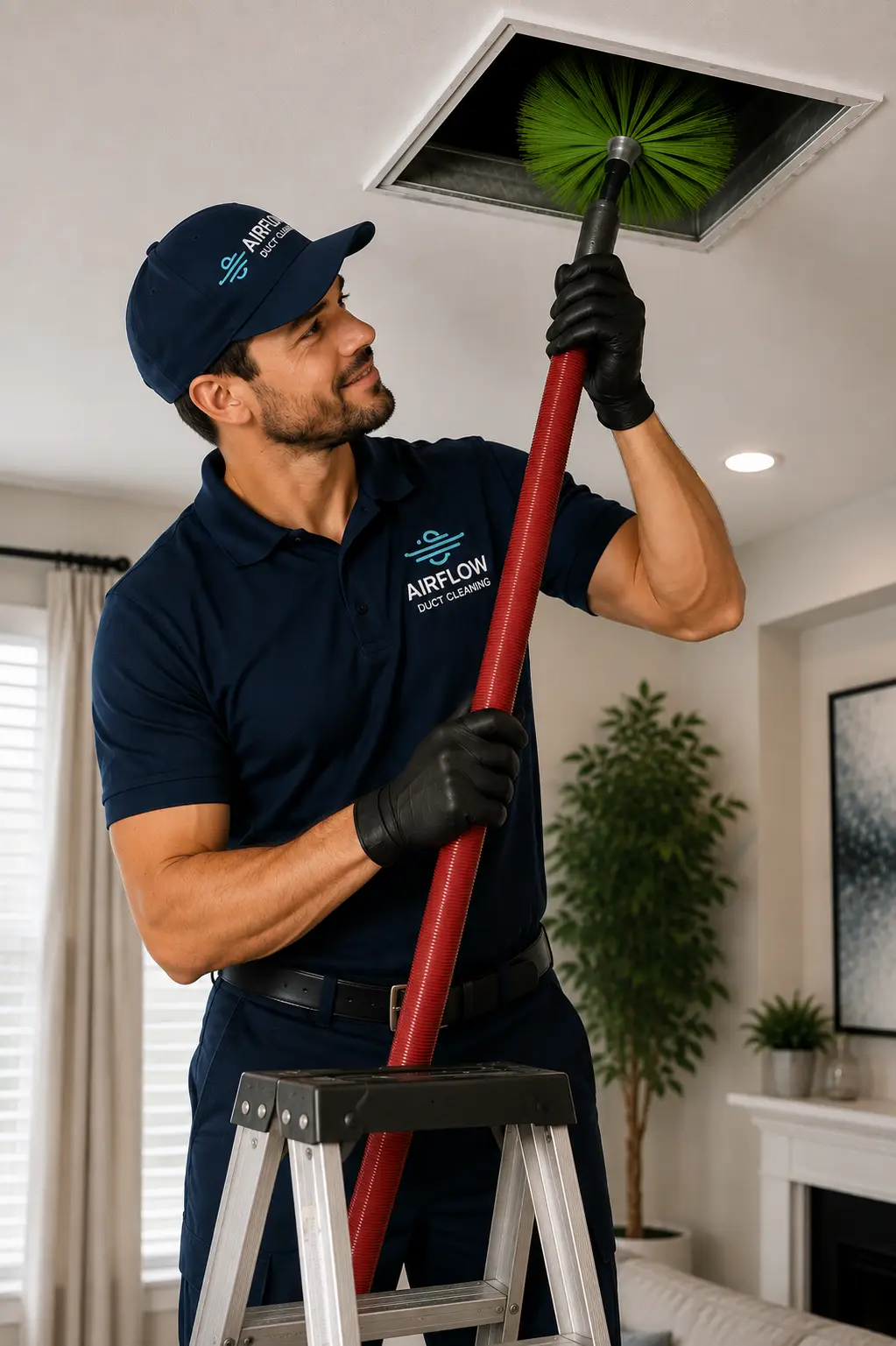
Smart Service builds duct cleaning schedules around the trade's real shape — long jobs, small daily counts, and two very different kinds of customers.

The Smart Service Cloud mobile app puts the whole job on the crew's phone — scope, counts, access notes, prior visits — and captures the proof that sells the next job.

Smart Service work orders carry the itemized scope to the field and capture everything found and sold on-site before the crew leaves.

Smart Service stores every account's system details, service history, and documentation in one record — visible to the office and the crew at every job.

Smart Service is a QuickBooks add-on — not just an integration — connecting scheduling, quoting, and work orders directly to the QuickBooks company file already running the business.
.webp)
Recurring commercial contracts are the best revenue in air duct cleaning — property management portfolios, medical facilities, and restaurant groups on inspection-driven cycles — and Smart Service is built to sell, schedule, document, and renew them.
Many duct cleaning companies are HVAC shops first — Smart Service handles HVAC too, so service calls, tune-ups, and duct work all run from one schedule.
Air duct cleaning businesses fight on three fronts: a market poisoned by $99 bait-and-switch operators, jobs quoted sight-unseen that blow up on the second air handler, and a truck-day so short that one scheduling mistake costs a third of the revenue.
Smart Service is built for that fight: before-and-after photo documentation on every work order, quotes built by vent and system count, residential days and commercial nights on separate calendars, recurring contracts that renew by process, and QuickBooks-native invoicing that closes the loop the moment the crew checks out.
Below are the most common operational challenges air duct cleaning businesses face — and how Smart Service addresses each one.
Air duct cleaning profitability is built on quoting accuracy, proof, and commercial retention. Manual methods — phone quotes off guessed vent counts, photos lost in a camera roll, contract renewals tracked in someone's head — break down exactly where the money is made.
Smart Service automates the full cycle: quotes built by vent and system count, crews working from documented scope, photos and findings captured per job, add-ons attached at the stop, invoices into QuickBooks, and commercial cycles renewing on schedule.
Smart Service's integrated CRM keeps every duct cleaning account's system details, documentation, and billing history in one place — the institutional memory that makes the second visit better than the first.
Track per-property scope, manage commercial contracts, handle invoicing, and automate follow-ups from one platform — so the 3-to-5-year residential re-clean cycle and the annual commercial cycle both come back to you.


Duct cleaning customers come in three shapes: homeowners who need to trust you before they'll pay real money, property managers who want records more than conversation, and commercial accounts on contract cycles. Smart Service's portal serves each one.

Revolutionize Your Workflow with the Smart Service Customer Portal – Convenience, Efficiency, and Loyalty at Your Fingertips
Duct cleaning runs on revenue per truck-day, add-on attach, and commercial retention — with only two or three jobs a day, the margins live in the details. Smart Service's Dashboards turn completed work orders into live reporting on job profitability, add-on rates, and contract renewals, so equipment and hiring decisions run on numbers.
The dashboards read live from the same system running scheduling, quoting, and invoicing — no exports, no Monday spreadsheet.
In Smart Service Cloud, The Oracle sits on top of these dashboards: ask a question in plain English — “Which job types lost money last quarter?” — and get the chart plus a plain-language takeaway you can save and rerun on live data.
.webp)

Smart Service gives you the tools to automate your workflow, improve operational efficiency, and deliver an exceptional customer experience. With real-time scheduling, customer management, and invoicing solutions, you can eliminate inefficiencies and focus on what truly matters—growing your business.
Yes. Smart Service is a QuickBooks add-on — not a standalone integration — connecting directly to your existing QuickBooks Online or QuickBooks Desktop company file. When a crew closes a job, the completed work order syncs to QuickBooks automatically with the itemized scope intact: per-vent and per-system line items, dryer vent and coil cleaning add-ons, and payments collected on-site.
All standard duct cleaning billing models are supported: per-job residential invoicing with written itemized quotes, and recurring commercial contract billing on payment terms for property management and multi-site accounts. No double entry, no evening bookkeeping session after a day in the crawlspace.
Yes. Commercial air duct work runs on a different clock than residential — occupied buildings need after-hours crews, visits phased by zone, and written documentation per visit. Smart Service keeps commercial night and weekend work on its own calendar alongside the residential day schedule, with each account's visits generating automatically at the contracted cycle.
Service agreements hold the covered scope, cycle, and pricing for property management portfolios, medical facilities, and restaurant groups — and automated renewal reminders go out before every expiration, so the commercial accounts that are easiest to re-sell get re-sold on schedule instead of by luck.
Yes. Technicians capture before-and-after photos and inspection notes directly from the Smart Service mobile app on every work order — the inside-the-duct documentation that separates a certified shop from the $99 coupon operators. Findings like damaged flex duct, clogged returns, or blower buildup can be logged with photos and follow-up recommendations, and the office can quote the follow-up work from the same record.
Everything is stored against the customer's account and retrievable by property, job, and date — so when a homeowner wants proof, a property manager wants records for their compliance file, or a commercial client's insurer asks what was done, the documentation is seconds away instead of lost in a tech's camera roll.
Yes, Smart Service allows you to send automated notifications and reminders to customers, keeping them informed about upcoming appointments, job statuses, and invoices, improving overall customer satisfaction.
Yes! The Smart Service mobile app gives your technicians real-time access to job details, schedules, and invoicing on the go. This allows them to stay connected and complete jobs more efficiently, reducing paperwork and delays.
Smart Service streamlines the invoicing process by allowing you to generate invoices from both the office and the field. Integrated payment processing helps you get paid faster, improving cash flow and reducing billing cycles.
Yes, Smart Service seamlessly integrates with QuickBooks™, allowing you to sync products, services, and invoices in real time. This eliminates double data entry and helps streamline your bookkeeping, ensuring accurate invoicing and faster payments.
Yes, by automating key processes like scheduling, invoicing, and job management, Smart Service reduces manual administrative tasks, freeing up time for you to focus on growing your business.
Yes, Smart Service makes it easy to schedule and manage recurring jobs. You can automate recurring appointments, ensuring that no jobs fall through the cracks.
Yes, Smart Service allows you to automate recurring maintenance jobs, ensuring that they are scheduled on time and never missed.
Yes, Smart Service’s mobile app allows technicians to create and send invoices directly from the job site, ensuring faster payments and eliminating delays.
Absolutely. Smart Service centralizes all customer data, including service histories, equipment details, and invoices, making it easier to manage customer relationships and improve customer satisfaction.
Yes, Smart Service’s mobile app allows technicians to add parts, update job details, and submit work orders directly from the field, ensuring real-time updates and accuracy.
Yes, with Smart Service’s Customer Portal, your customers can book online, view service histories, and make payments—making the process more convenient for both you and your clients.
Yes, Smart Service provides real-time updates on technician performance and job completion, helping you monitor productivity and improve operations.