
Mission Control
Every tech, job, and mile on one live board — with five assistants that catch conflicts, trim routes, rank openings, forecast the week, and take orders in plain English.

Automate Job Scheduling, Dispatching, and Invoicing for Plumbing Businesses
Dispatchers push the day's calls to each tech's phone — emergency leaks, scheduled service work, install crews, and water heater quotes. Plumbing techs arrive with the property's prior repair notes, fixture photos, water heater specs, and parts authorized already loaded on the mobile work order. The office sees materials pulled, photos before the wall closes, signatures, and invoices flow into QuickBooks the same day — emergency calls, service work, and multi-day installs all on one platform.

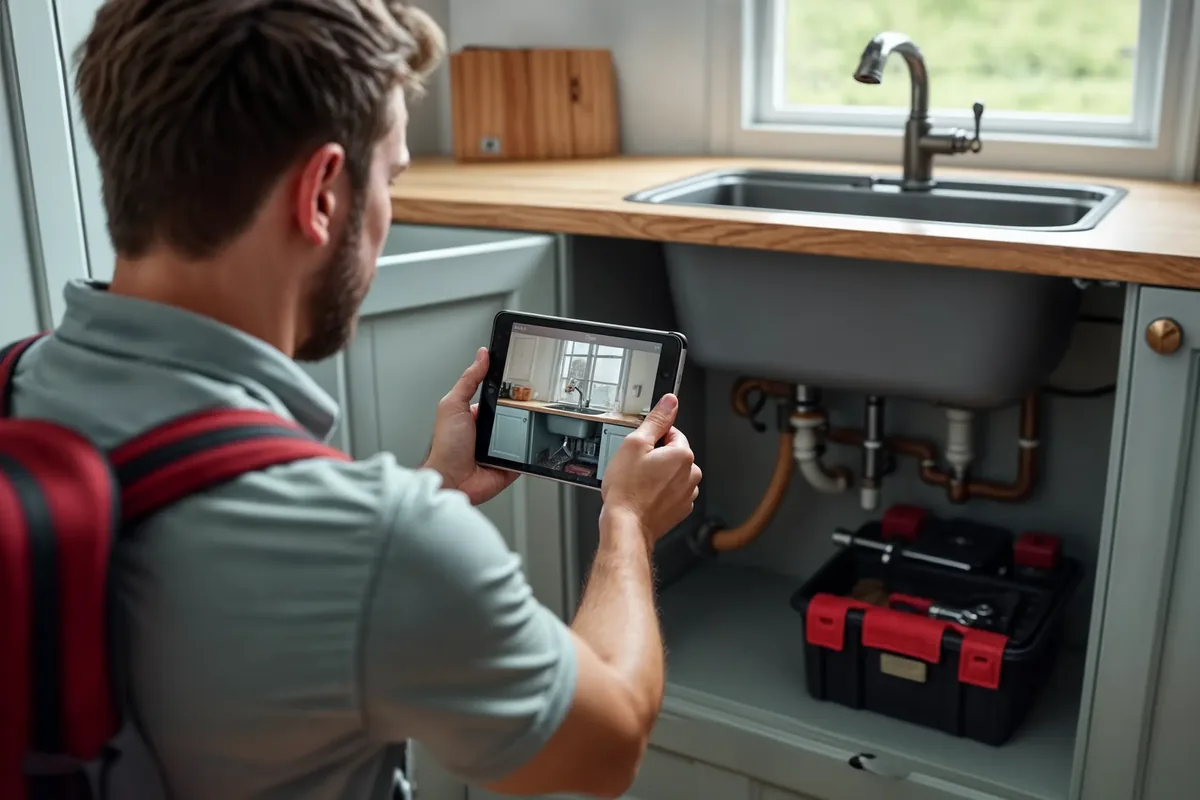
A plumber's day moves between emergency leak calls, scheduled service work, water heater installs, and add-on quotes the customer asks for at the kitchen table. The Smart Service app pulls prior visit notes, fixture photos, water heater specs, and customer alerts onto the technician's phone before they pull up to the property — so the first thing the plumber does on-site is the work itself, not call the office for the missing piece.
The Smart Service mobile app is the field-side of every plumbing workflow. Techs see the day, pull up the property's prior repair notes, capture photos of existing conditions, log materials installed, build add-on quotes while the customer is still standing there, accept signatures, capture payments, and sync back to the office without losing the next morning to admin. Each feature below is what shows up on the tech's screen during a working day.

Dispatch updates push to the tech's mobile schedule in real time — no phone call required. Emergency leak calls, sewer backups, and no-hot-water reschedules hit the right tech's phone within seconds with the customer context attached.

The Smart Service technician app runs on iPhone, iPad, and Android — the device the plumber already carries on the truck. Property records, fixture history, water heater specs, photo attachments, materials logging, signatures, and credit card payments all happen on one screen, online or offline.

Work orders live on the tech's phone from the moment they're scheduled. The plumber sees the scope, the property's repair history, the parts authorized, and any open follow-ups — and the office sees the tech's progress in real time without picking up the phone.

The plumber sees the same customer record the office sees — service-agreement status, prior tech notes, fixture and water heater history, outstanding balances — before they ring the doorbell. No more walking into a callback with no context.

Smart Service is QuickBooks-native — not a sync that breaks when QuickBooks updates. Materials, labor hours, and add-on quote line items logged from the tech's phone post to the right QuickBooks items, customers, and accounts the same day the job closes.
.webp)
The recurring side of plumbing — backflow certifications, drain-maintenance plans, water-heater flushes, and commercial PM contracts — is the revenue you can count on, and Smart Service is built to sell, schedule, bill, and renew it instead of letting it lapse.
Plumbing techs work in crawl spaces, under sinks, behind walls, and at water heaters — and most of the friction in the day comes from information that should have been on the phone but wasn't. These are the recurring gaps the Smart Service mobile app closes for plumbing businesses:
A burst-pipe emergency call hits the office at 6:30 AM and gets pushed to the closest qualified tech's mobile schedule — with the property's prior repair notes, water heater specs, and customer alerts attached. By 9 AM, the leak is repaired, photos are captured before the wall closes, materials are logged, the customer's signed off, and the invoice has posted to QuickBooks. A scheduled water heater install fills the late morning — same crew, same multi-day job carried over from yesterday with all the install checklist, materials list, and permit photos already on the work order. By 4 PM, four jobs are closed, two add-on quotes are sitting in the office queue for review, and the tech goes home with no end-of-day admin block.
The plumbing customer record in Smart Service holds everything the office and the tech need on one screen — service history, prior tech notes, fixture and water heater records per property, materials installed by visit, agreement details, and outstanding balances. Whether the next tech walking into the property has been there before or not, the context is on the phone.
Recurring service agreements, water heater warranty windows, replacement opportunities, and add-on quote follow-ups stay attached to the customer and pop on the right work order — so the office isn't relying on a tech to remember which property is due for a water heater replacement quote.


Different plumbing customers want different things from their service company. Residential homeowners want emergency dispatch, easy booking, and quick payment after a repair. Property managers across multiple units want one dashboard to track which fixtures and water heaters at which addresses have been serviced. Commercial accounts — office buildings, retail, hospitality — want documented service history they can hand to facility owners or insurers. The Smart Service customer portal handles all three without putting more calls on the office.

Revolutionize Your Workflow with the Smart Service Customer Portal – Convenience, Efficiency, and Loyalty at Your Fingertips
Plumbing runs on first-time fixes and callback rates — and both stay invisible without data. Smart Service’s Dashboards—Insights and Analytics turn your completed work orders into real-time reporting on completion rates, parts usage, and revenue by job type, so you can see exactly where the profit is.
The dashboards read live from the same system that runs your scheduling, work orders, and invoicing — check them from the truck, no exports, no Sunday-night spreadsheet.
In Smart Service Cloud, The Oracle sits on top of these dashboards: ask a question in plain English — “Which job types lost money last quarter?” — and get the chart plus a plain-language takeaway you can save and rerun on live data.
.webp)

Smart Service gives you the tools to automate your workflow, improve operational efficiency, and deliver an exceptional customer experience. With real-time scheduling, customer management, and invoicing solutions, you can eliminate inefficiencies and focus on what truly matters—growing your business.
Yes. Before the tech walks up to the door, the mobile app shows the property's prior work orders, fixture photos, water heater specs, prior tech notes, and any open follow-ups. The plumber walks in knowing exactly what was repaired last time, what part was installed, and what the customer was told — instead of cutting drywall to figure out whether the same line was already worked on last month.
Yes. Water heater age, serial, capacity, venting, and warranty status pull up on the mobile app from the equipment record. The tech can build a replacement quote with parts and labor, present it to the customer at the unit, capture signature and approval, and post the job to QuickBooks — all before the truck leaves. No more losing the sale to next-week office back-and-forth while the customer's still cold-showering.
Dispatch reroutes the closest qualified plumber to the emergency leak. The new appointment hits that tech's phone within seconds — with the property's prior repair notes and any open follow-ups attached. The scheduled customer who got bumped sees an automated reschedule notification. The dispatch board on the office side updates in real time so the rest of the day's route flows around the emergency instead of through chaos.
Yes, Smart Service allows you to send automated notifications and reminders to customers, keeping them informed about upcoming appointments, job statuses, and invoices, improving overall customer satisfaction.
Yes! The Smart Service mobile app gives your technicians real-time access to job details, schedules, and invoicing on the go. This allows them to stay connected and complete jobs more efficiently, reducing paperwork and delays.
Smart Service streamlines the invoicing process by allowing you to generate invoices from both the office and the field. Integrated payment processing helps you get paid faster, improving cash flow and reducing billing cycles.
Yes, Smart Service seamlessly integrates with QuickBooks™, allowing you to sync products, services, and invoices in real time. This eliminates double data entry and helps streamline your bookkeeping, ensuring accurate invoicing and faster payments.
Yes, by automating key processes like scheduling, invoicing, and job management, Smart Service reduces manual administrative tasks, freeing up time for you to focus on growing your business.
Yes, Smart Service makes it easy to schedule and manage recurring jobs. You can automate recurring appointments, ensuring that no jobs fall through the cracks.
Yes, Smart Service allows you to automate recurring maintenance jobs, ensuring that they are scheduled on time and never missed.
Yes, Smart Service’s mobile app allows technicians to create and send invoices directly from the job site, ensuring faster payments and eliminating delays.
Absolutely. Smart Service centralizes all customer data, including service histories, equipment details, and invoices, making it easier to manage customer relationships and improve customer satisfaction.
Yes, Smart Service’s mobile app allows technicians to add parts, update job details, and submit work orders directly from the field, ensuring real-time updates and accuracy.
Yes, with Smart Service’s Customer Portal, your customers can book online, view service histories, and make payments—making the process more convenient for both you and your clients.
Yes, Smart Service provides real-time updates on technician performance and job completion, helping you monitor productivity and improve operations.